Whether or not you can locate your stolen AirPods is one of the most crucial things you may ask at this stage. After your AirPods have been reset by someone else, you are unable to locate them. Because you might never be able to monitor or reclaim your AirPods, the sorrow of losing them goes beyond simply losing the device.
This is due to the fact that AirPods lack the iCloud Activation Lock that is often found on iPhones, iPods, and other Apple products. It is important to realize that Activation Lock is a unique feature that guarantees that only you can use your iPad, iPhone, or iPod Touch. In addition to making your smartphone more susceptible to theft, the absence of this iCloud Activation Lock also makes it simple to link your device to another iPhone.
After you have addressed this, you should inquire about their ability to connect your AirPods to other devices. You might also want to know if you can track AirPods once they've been reset. Below, we shall respond to them.
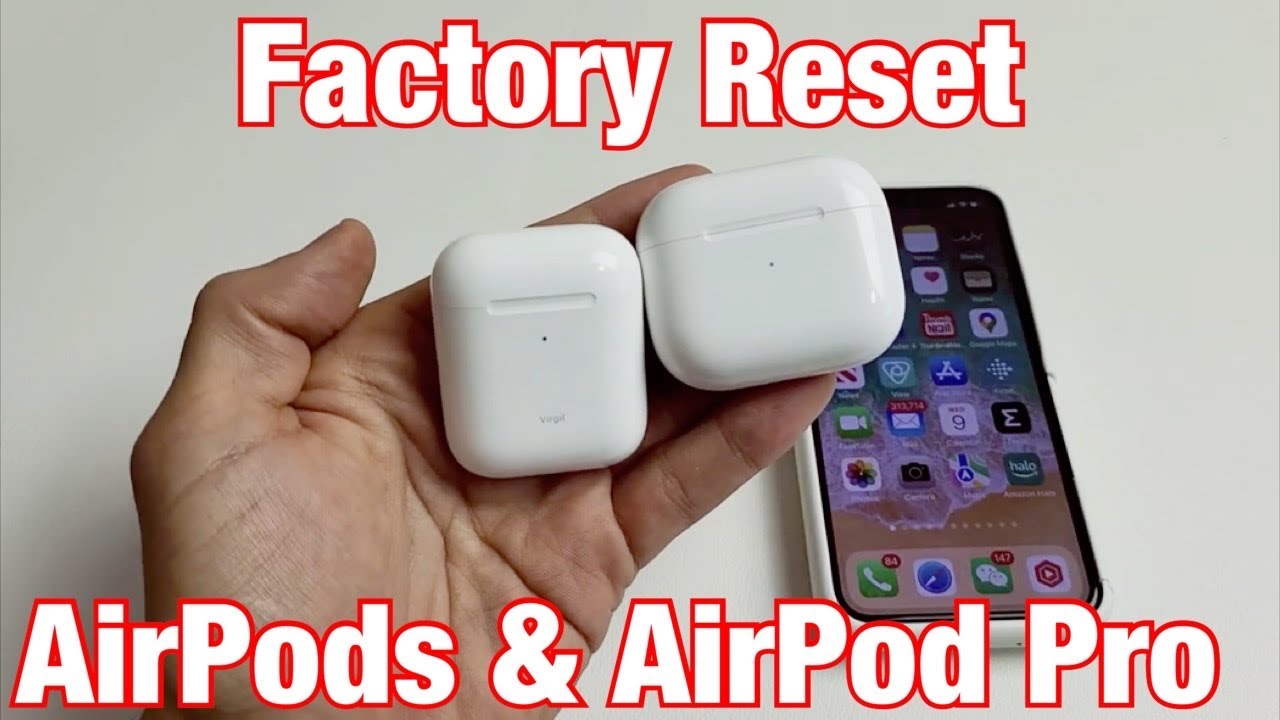
1. I have lost my AirPods; is it possible to connect them to another iPhone?
Unfortunately, if someone were to steal your AirPods, they could easily connect them to someone else's iPhone or iPad. Actually, connecting to another iDevice is a simple affair, particularly if they have access to a charging case. In most cases, the user only has to insert the AirPods into a charging case. The Setup button will then be held for a few seconds.
Read Also: How to Factory Reset AirPods 3 Without Phone?
They will then reset the AirPods and prevent them from pairing with your iPhone or any other Apple devices you own. The AirPods can now be connected to any other Apple device. All things considered, there is little you can do to prevent someone from utilizing your stolen AirPods.
2. After a reset, are your AirPods still trackable?
Yes, you might be able to use the Find My app to monitor your AirPods. Keeping track of any lost or stolen iPhone, iPad, iPod Touch, or AirPods is the purpose of this software.
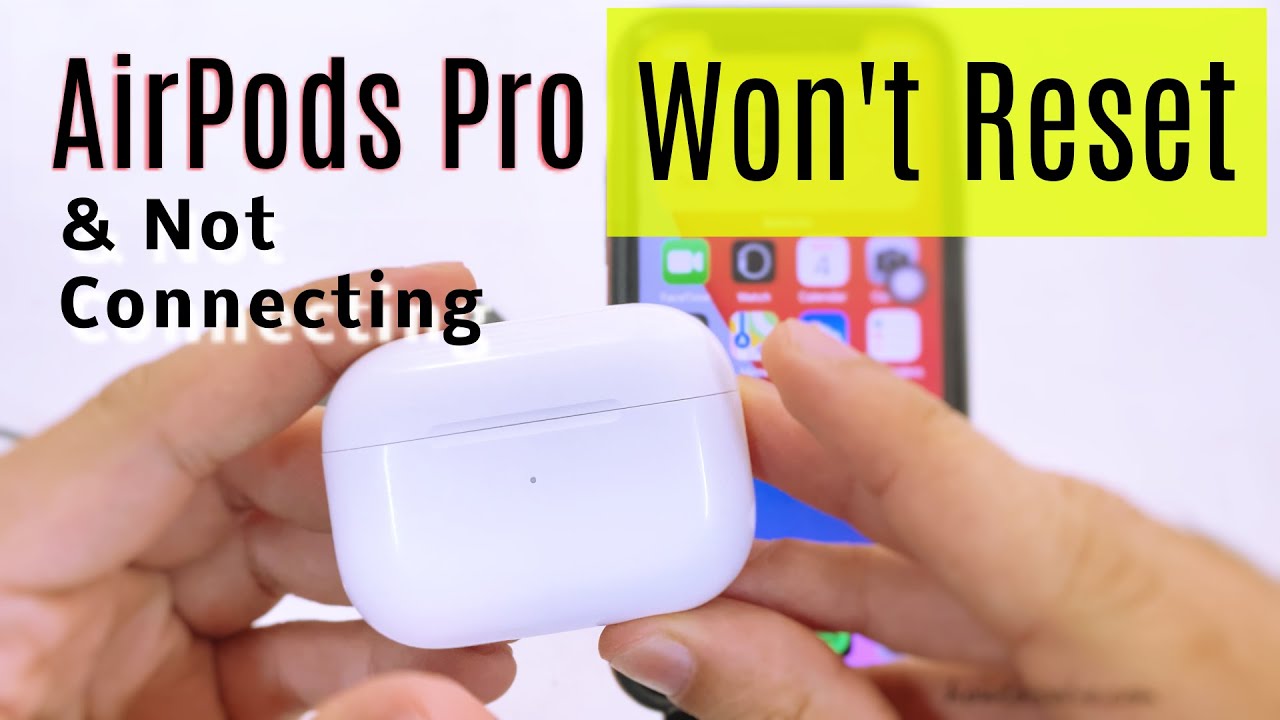
To track your AirPods, launch the app on a different Apple device that is linked to your AirPods, then navigate to the iCloud website's Find My page. You can check the location of your AirPods as long as they are within the device's Bluetooth range and linked to your iCloud account.
Related Post: Can You Connect an iPad Mini to An iPad Pro?
Your AirPods' location will be displayed on a map. To make it easier to locate the AirPods, the app also lets you play any sound. Therefore, this app is probably only helpful if your AirPods are gone from your house or place of work and not stolen.
3. How far is it possible to track AirPods?
As long as there is an active connection between your iPhone, iPad, or iPod Touch and the AirPods, you can usually track them. Simply said, as long as the AirPods are within Bluetooth range of an iPhone or iPad that is signed with the same Apple ID as the AirPods, you can use the Find My app to locate them. Generally speaking, this Bluetooth range is 10 meters or 30 feet. Therefore, you cannot track your AirPods if they are more than 10 meters away from the linked iDevice.
How Can I Fix My iPhone When I Can't Connect My AirPods?
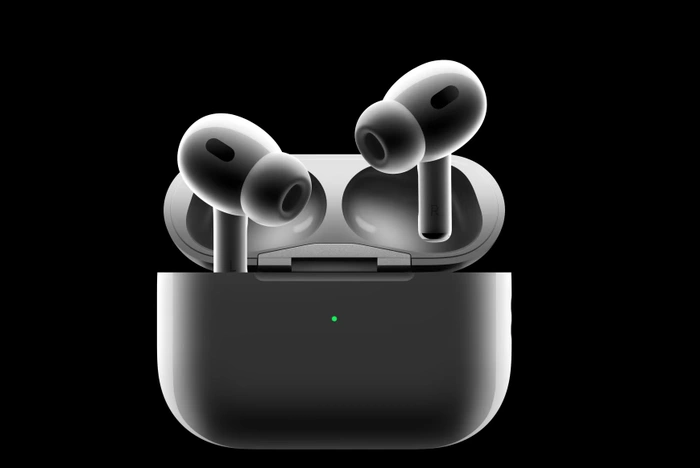
Tenorshare ReiBoot is an excellent iOS system recovery tool that we suggest you use to fix the iOS system problem on your device. You can fix your iPhone or iPad in ten minutes with this tool. The steps to fix your iPhone with ReiBoot are as follows.
Read Also: Why Does Apple Music Playlist Order Keep Changing After?
To connect your iPhone to the computer, use a USB cord. Your iPhone will be instantly recognized by the computer; to proceed, tap the "Repair Operating System" option. || 2: Your screen will display the interface below. For the next step, tap "Fix Now." || 3: The iOS firmware package will then start to download after you select "Download."
4: Select "Repair Now" once the firmware package has finished downloading, and system recovery will begin right away.|| 5. It will take roughly ten minutes to complete this process. Throughout the procedure, make sure the gadgets stay linked. Your iPod or iPhone will boot up after the procedure is finished. After fixing your iOS system, you ought to be able to associate your AirPods using the gadget.
Read Also : What Makes Puerto de Mogan Unique?
 Wellington Importadora
Whether or not you can locate your stolen AirPods is one of the most crucial things you may ask at this stage. After your AirPods have been reset by someone else, you are unable to locate them. Because you might never be able to monitor or reclaim your AirPods, the sorrow of losing them goes beyond simply losing the device.
This is due to the fact that AirPods lack the iCloud Activation Lock that is often found on iPhones, iPods, and other Apple products. It is important to realize that Activation Lock is a unique feature that guarantees that only you can use your iPad, iPhone, or iPod Touch. In addition to making your smartphone more susceptible to theft, the absence of this iCloud Activation Lock also makes it simple to link your device to another iPhone.
After you have addressed this, you should inquire about their ability to connect your AirPods to other devices. You might also want to know if you can track AirPods once they've been reset. Below, we shall respond to them.
1. I have lost my AirPods; is it possible to connect them to another iPhone?
Unfortunately, if someone were to steal your AirPods, they could easily connect them to someone else's iPhone or iPad. Actually, connecting to another iDevice is a simple affair, particularly if they have access to a charging case. In most cases, the user only has to insert the AirPods into a charging case. The Setup button will then be held for a few seconds.
Read Also: How to Factory Reset AirPods 3 Without Phone?
They will then reset the AirPods and prevent them from pairing with your iPhone or any other Apple devices you own. The AirPods can now be connected to any other Apple device. All things considered, there is little you can do to prevent someone from utilizing your stolen AirPods.
2. After a reset, are your AirPods still trackable?
Yes, you might be able to use the Find My app to monitor your AirPods. Keeping track of any lost or stolen iPhone, iPad, iPod Touch, or AirPods is the purpose of this software.
To track your AirPods, launch the app on a different Apple device that is linked to your AirPods, then navigate to the iCloud website's Find My page. You can check the location of your AirPods as long as they are within the device's Bluetooth range and linked to your iCloud account.
Related Post: Can You Connect an iPad Mini to An iPad Pro?
Your AirPods' location will be displayed on a map. To make it easier to locate the AirPods, the app also lets you play any sound. Therefore, this app is probably only helpful if your AirPods are gone from your house or place of work and not stolen.
3. How far is it possible to track AirPods?
As long as there is an active connection between your iPhone, iPad, or iPod Touch and the AirPods, you can usually track them. Simply said, as long as the AirPods are within Bluetooth range of an iPhone or iPad that is signed with the same Apple ID as the AirPods, you can use the Find My app to locate them. Generally speaking, this Bluetooth range is 10 meters or 30 feet. Therefore, you cannot track your AirPods if they are more than 10 meters away from the linked iDevice.
How Can I Fix My iPhone When I Can't Connect My AirPods?
Tenorshare ReiBoot is an excellent iOS system recovery tool that we suggest you use to fix the iOS system problem on your device. You can fix your iPhone or iPad in ten minutes with this tool. The steps to fix your iPhone with ReiBoot are as follows.
Read Also: Why Does Apple Music Playlist Order Keep Changing After?
To connect your iPhone to the computer, use a USB cord. Your iPhone will be instantly recognized by the computer; to proceed, tap the "Repair Operating System" option. || 2: Your screen will display the interface below. For the next step, tap "Fix Now." || 3: The iOS firmware package will then start to download after you select "Download."
4: Select "Repair Now" once the firmware package has finished downloading, and system recovery will begin right away.|| 5. It will take roughly ten minutes to complete this process. Throughout the procedure, make sure the gadgets stay linked. Your iPod or iPhone will boot up after the procedure is finished. After fixing your iOS system, you ought to be able to associate your AirPods using the gadget.
Read Also : What Makes Puerto de Mogan Unique?